Keep Your Car's Maps Fresh

Arvind Singh
| 06-07-2026
 · Automobile team
Ever found yourself on the road, following your car's navigation system, only for it to direct you down a road that's been closed for months?
Or worse, it takes you to a destination that no longer exists! It's frustrating, but it's not something you have to put up with.
Keeping your vehicle's map data updated can ensure you always have the most accurate and reliable directions. Here's how to do it.
How Map Updates Work
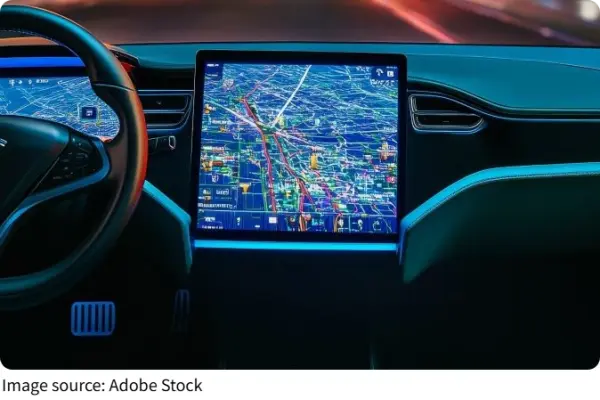
Your car's navigation system relies on constantly changing data—new roads, updated traffic patterns, or even new gas stations. Updating this map data ensures your system reflects the latest information, so you never miss out on the newest routes. There are a few ways this process works, depending on the type of system you have:
Manual Updates via USB: Some systems allow you to download updates to a USB drive and then transfer them to your car. This method is often used for older models that don't support wireless updates.
Wi-Fi or Bluetooth Syncing: Many modern cars support Wi-Fi or Bluetooth syncing, which allows for seamless, wireless map updates while you're parked at home or in a secure location.
Subscription Services: Some car manufacturers offer subscription-based services for automatic map updates. This ensures your maps are regularly updated without you lifting a finger.
How to Know When an Update is Available
If you're unsure whether your navigation maps are up to date, there are several ways to check. Most systems will notify you if an update is available, but there are also a few other signs:
Check for a Pop-Up Message: Some systems display a pop-up or notification when a map update is available.
Access the Settings: Go to the map or system settings, and there may be a “Check for Updates” option.
Manufacturer's Website: For some car models, updates can be checked or even scheduled via the manufacturer's website.
If you're noticing wrong turns or outdated routes, it's probably time to check for the latest maps.
Steps to Update Your Map Data
Updating your car's navigation system doesn't have to be a hassle. Here's a quick guide on how to do it:
Connect to the Internet: First, make sure your car is connected to a stable internet source, either through Wi-Fi or your phone's hotspot.
Go to the Navigation Settings: In the settings menu, look for the map or navigation section, where you'll find options to check for updates.
Download and Install: Once an update is found, follow the prompts to download and install the new map data. Make sure your car is in park and the engine is running, as this process can take some time.
Restart the System: Once the update is complete, restart your navigation system to ensure the new maps are loaded and ready to go.
Tips to Keep Your Navigation Data Accurate
While keeping your maps up to date is crucial, there are a few things you can do to enhance the overall accuracy and experience of your car's navigation system.
Enable Real-Time Traffic Updates: Many navigation systems allow you to enable real-time traffic information, which helps adjust your route based on current road conditions. Always make sure this feature is activated.
Use the Latest GPS Technology: Some newer systems allow for precise GPS tracking, minimizing errors in your car's location. If you have the option, enable GPS accuracy settings to improve your navigation's performance.
Keep Your Car's Software Updated: Some vehicles require system software updates that support better navigation. Check for updates periodically to ensure that your system runs smoothly.
Stay Ahead of the Curve
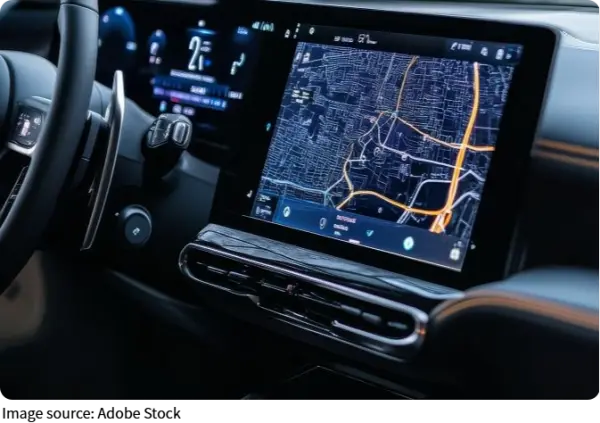
Imagine driving with an outdated map that leads you into construction zones or empty fields. Keeping your car's navigation system updated doesn't just prevent frustration; it can also save you time and fuel by guiding you through the most efficient routes. Regularly updating your maps keeps you in the know and ensures you're never led astray.
So, whether you're driving around the block or across the country, make sure your navigation system stays fresh and accurate. It's one simple way to keep your journey smooth and stress-free.